

Biofeedback in every app.
Mobile · VR · Desktop.
Build your own applications with the Mindfield eSense biofeedback sensors — for iOS and Android, for VR headsets like Meta Quest and Pico, for Windows and macOS, and for the major game engines. Audio sensors, Bluetooth sensors and a unified streaming model across all platforms — for developers, partners and OEMs, research and commercial products. New in Suite v5.0: the Bluetooth sensors eSense Pulse, Muscle and EEGenius now run natively in the Android and iOS/macOS SDKs, too — alongside Windows.
Clicking loads YouTube. Google’s privacy policy applies.
The right path for your project
by use caseEvery use case reaches the full sensor range: audio sensors via the matching platform SDK, and the Bluetooth sensors Pulse, Muscle and EEGenius natively via the SDK on Windows, Android, iOS and macOS — plus the Unity C# plugin for VR and the game engines.
Mobile apps
iOS & Android — native or cross-platform.
- ✓Audio sensors: Mobile SDK, Flutter or Capacitor
- ✓Pulse, Muscle & EEGenius: native in the Android & iOS SDK (Bluetooth)
- ✓Pulse: also via any standard Bluetooth heart-rate service
VR apps
Meta Quest & Pico (Android-based).
- ✓Audio sensors: Unreal plugin (Android target)
- ✓Muscle & EEGenius: Unity C# plugin
- ✓Pulse: standard Bluetooth
Desktop
Windows & macOS.
- ✓Windows: all 6 sensors natively (.NET 10)
- ✓macOS: all 6 sensors natively (Swift)
Game engines
Unity & Unreal Engine.
- ✓Unity: audio plugin + BLE plugin (all sensors)
- ✓Unreal: audio sensors, UE 5.4
The six eSense sensors
3 audio · 3 BluetoothThree sensors transmit via the audio input, three via Bluetooth. A wireless Bluetooth variant of the audio sensors is in development (see roadmap). What biofeedback measures in general is explained in our introduction to biofeedback.




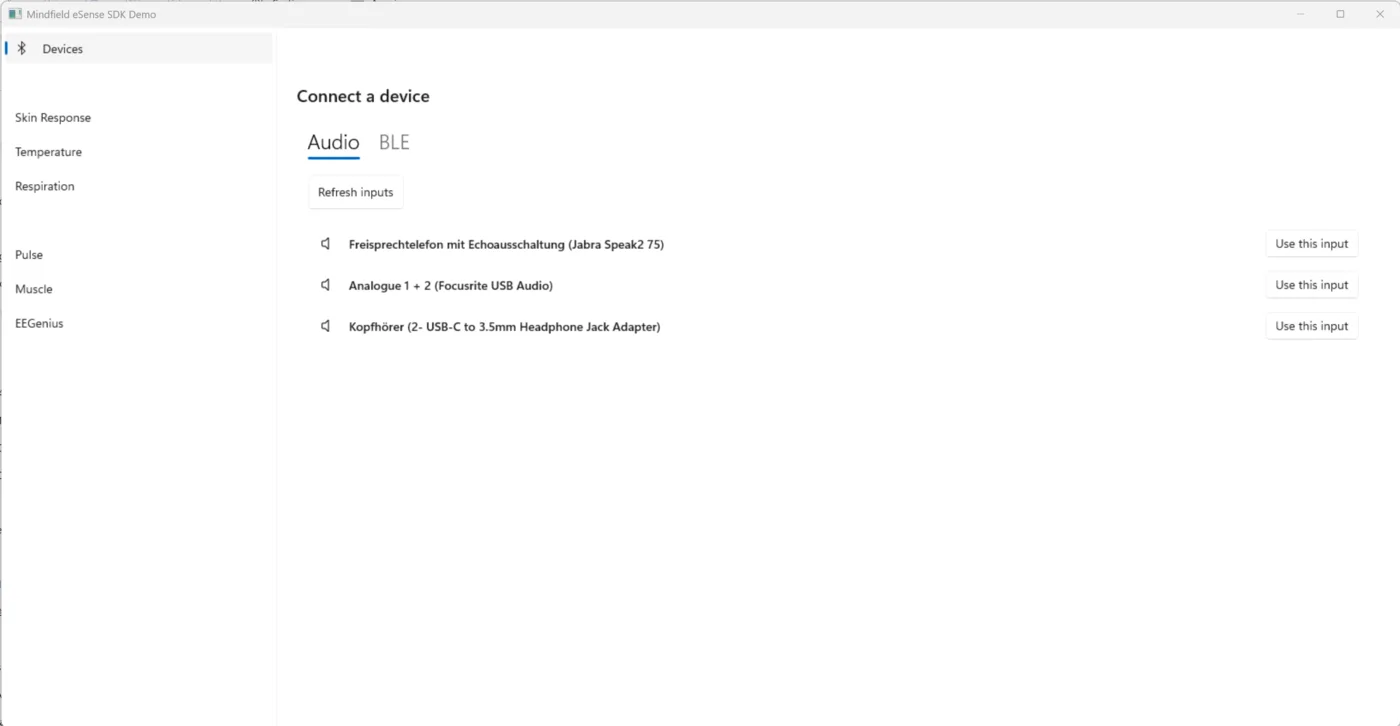
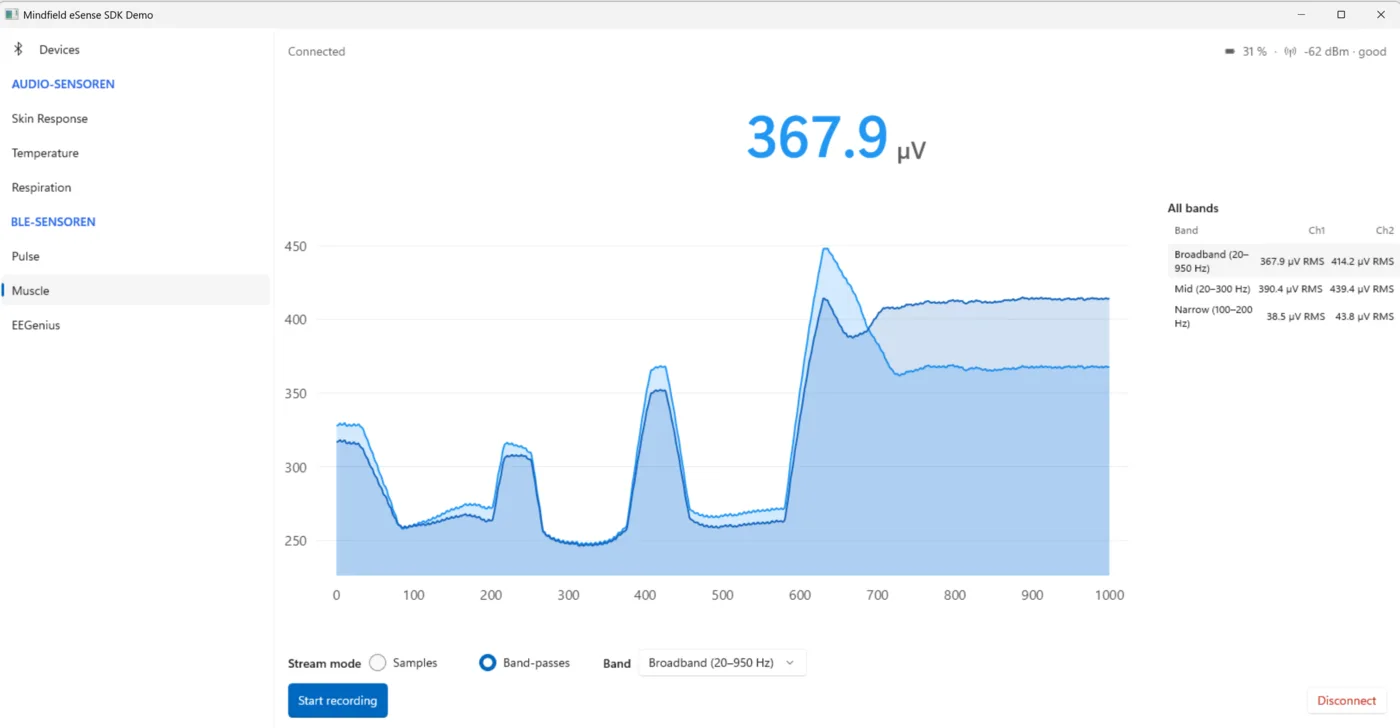
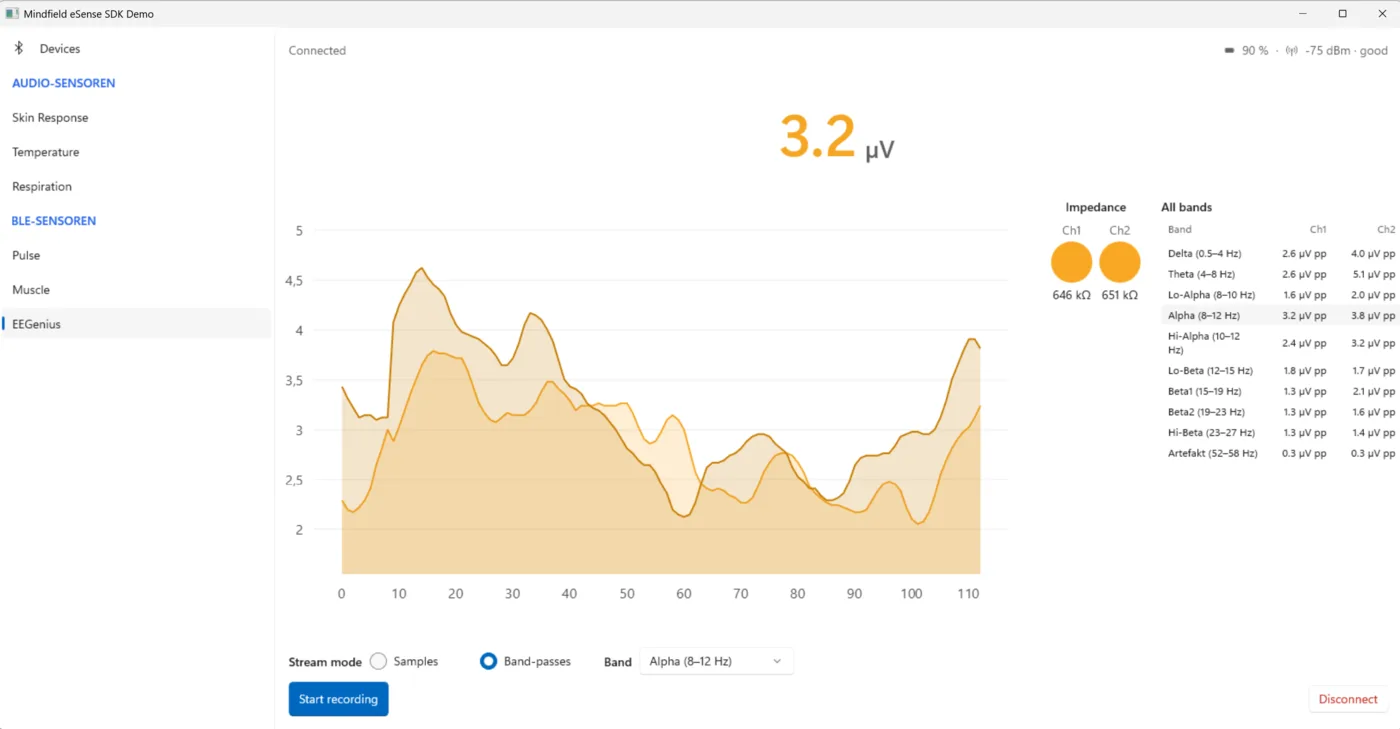
Live in the Windows demo (.NET 10) — all six sensors natively
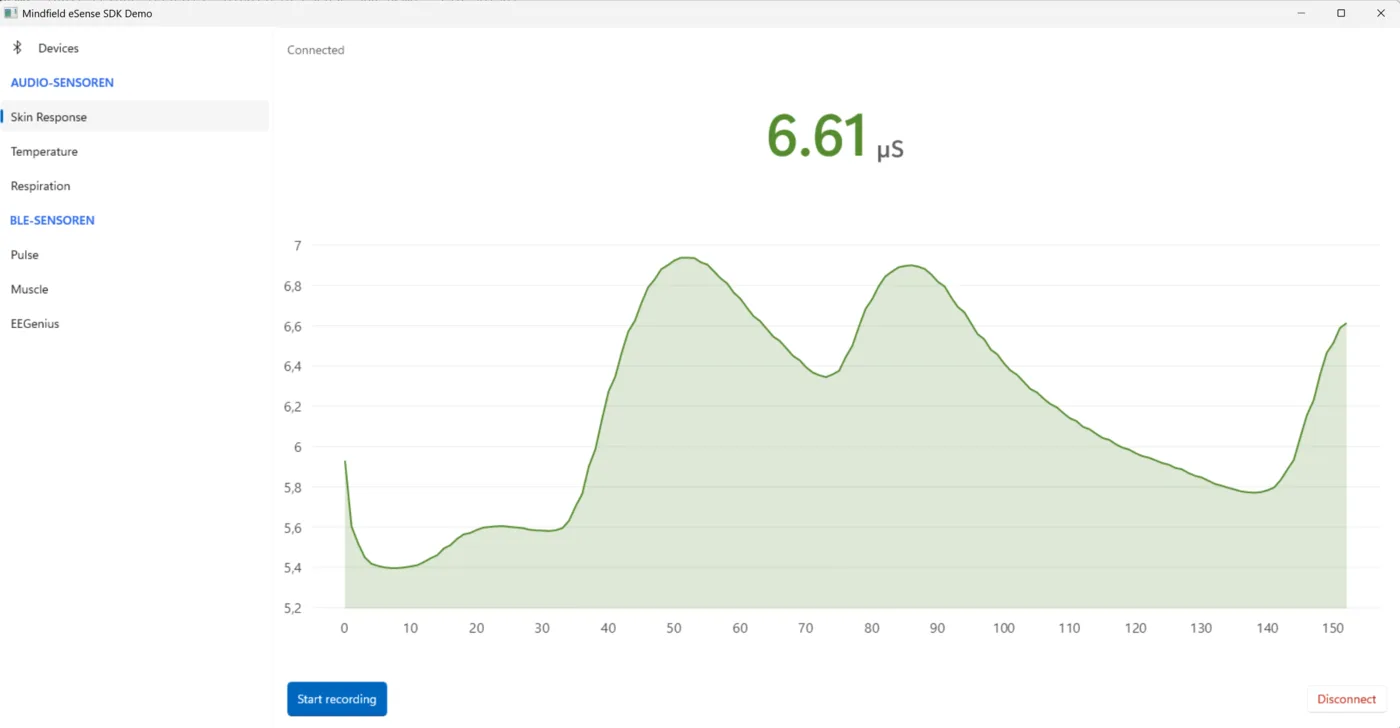
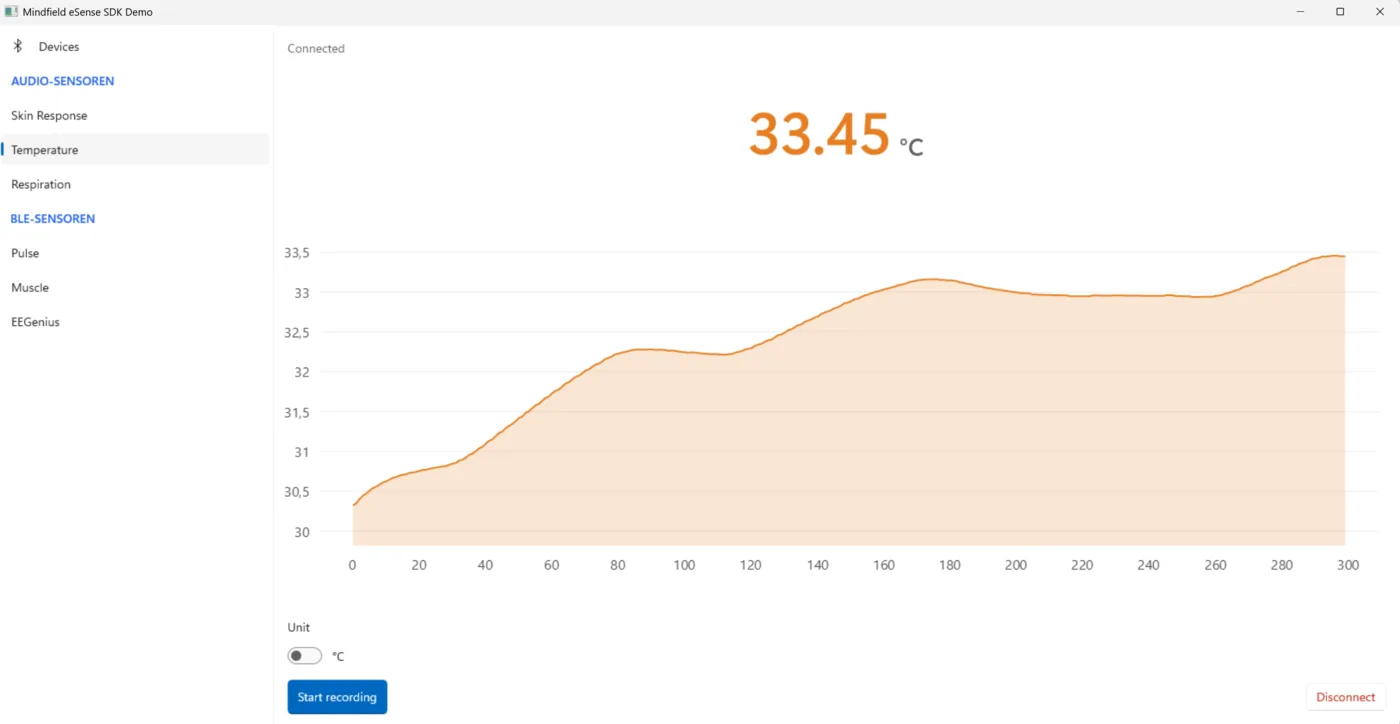
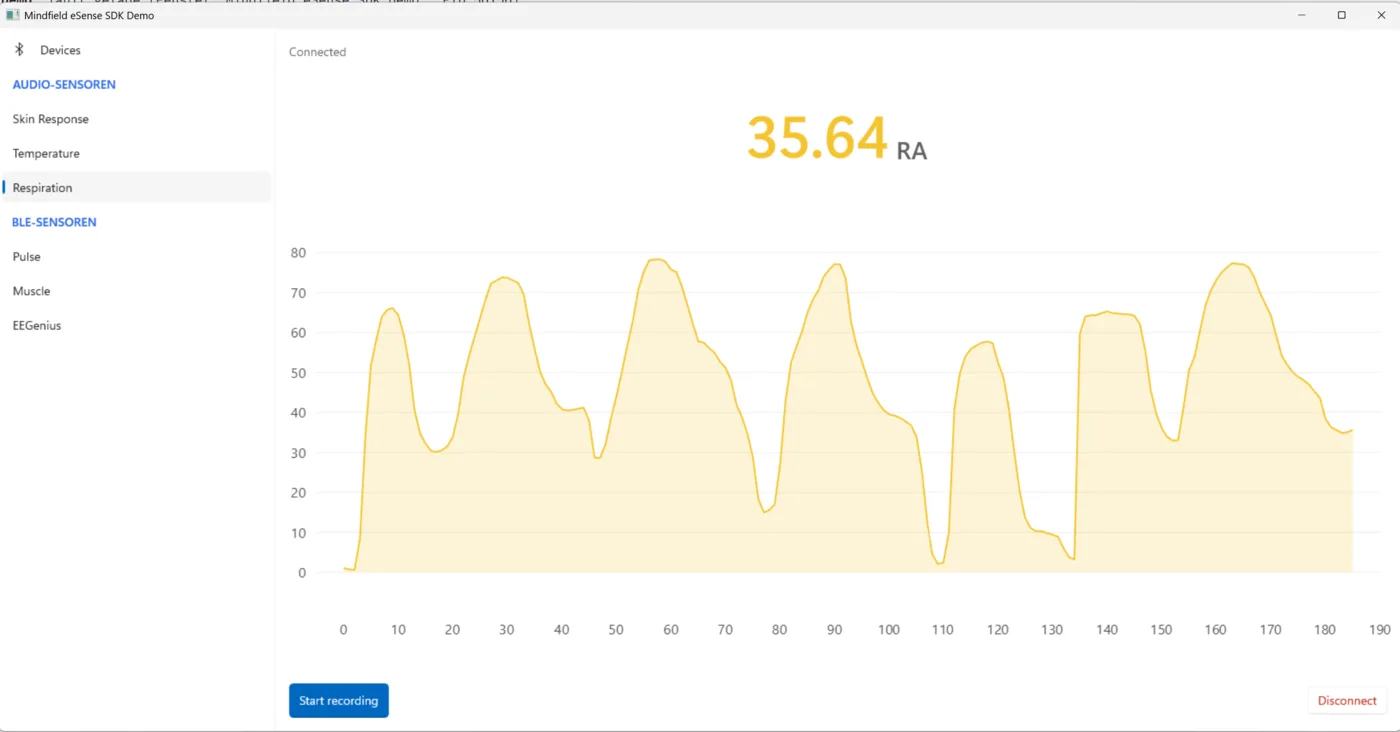
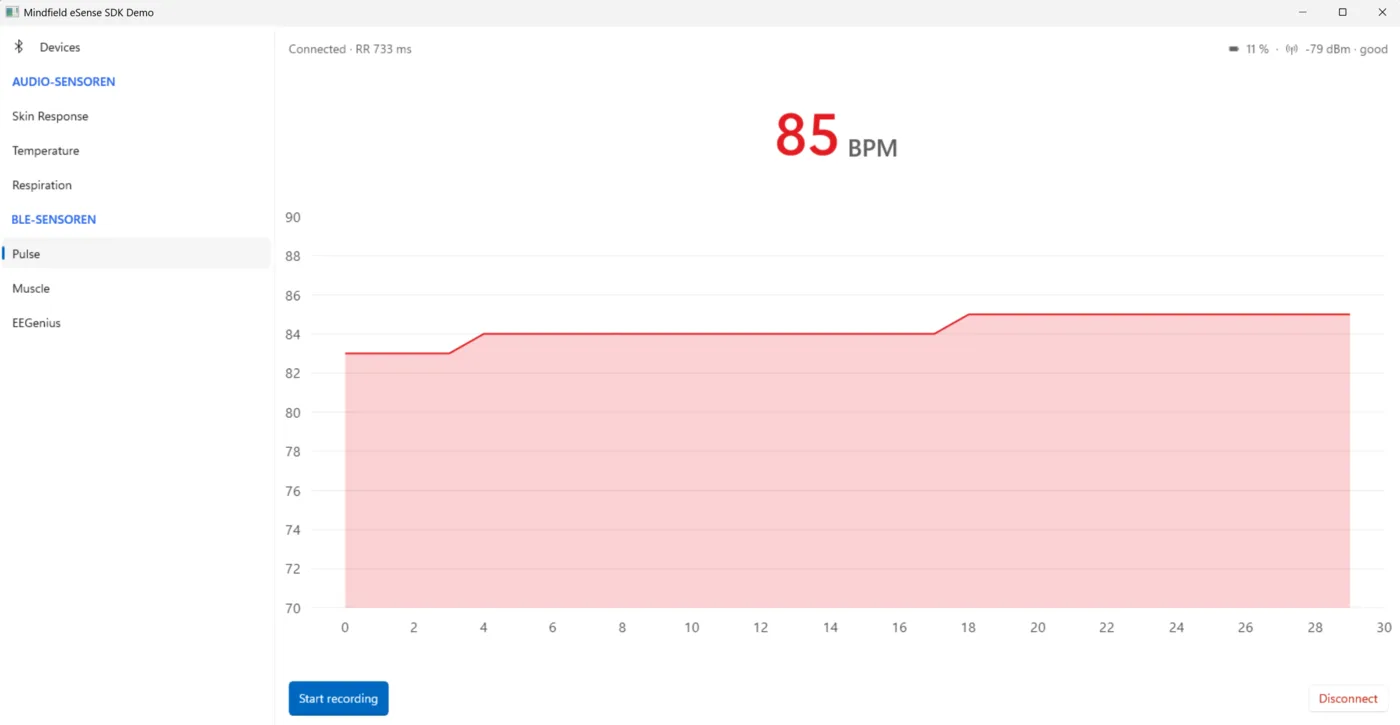
Native on mobile and macOS
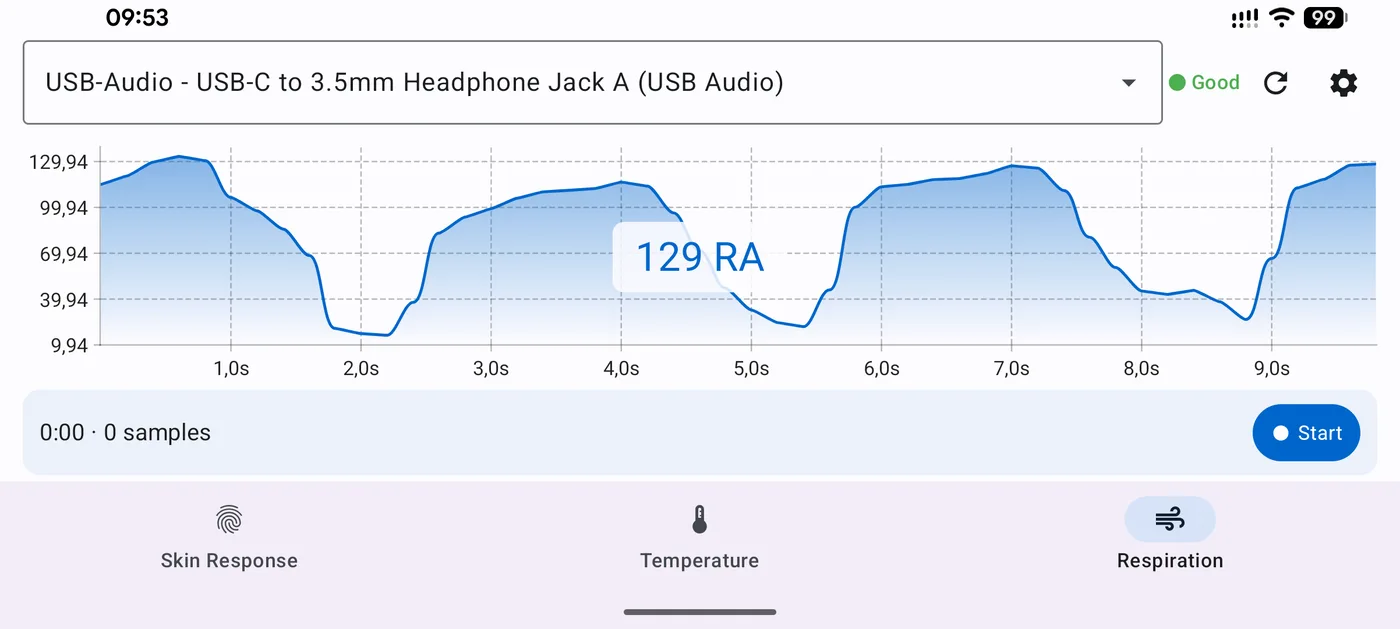
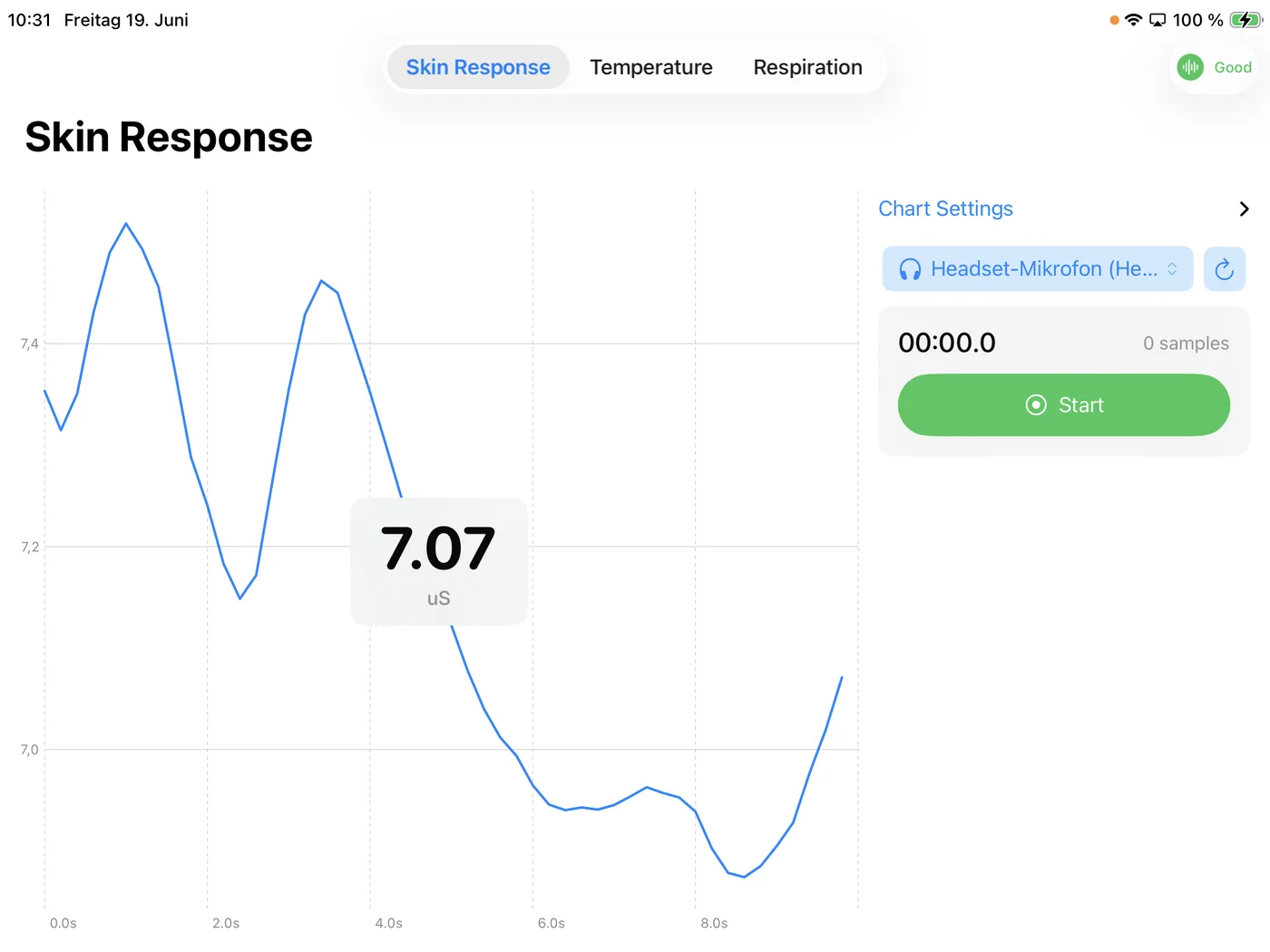
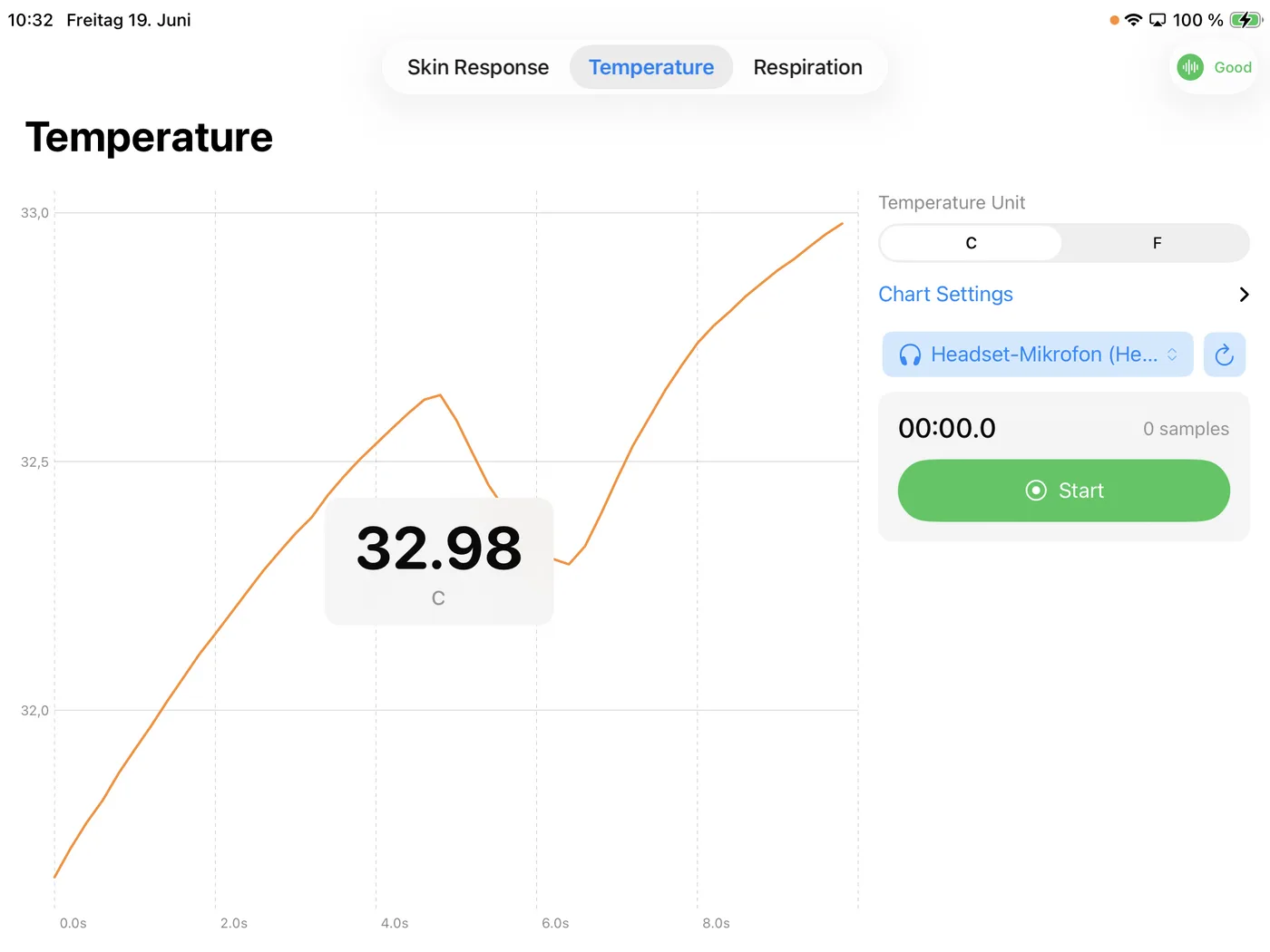
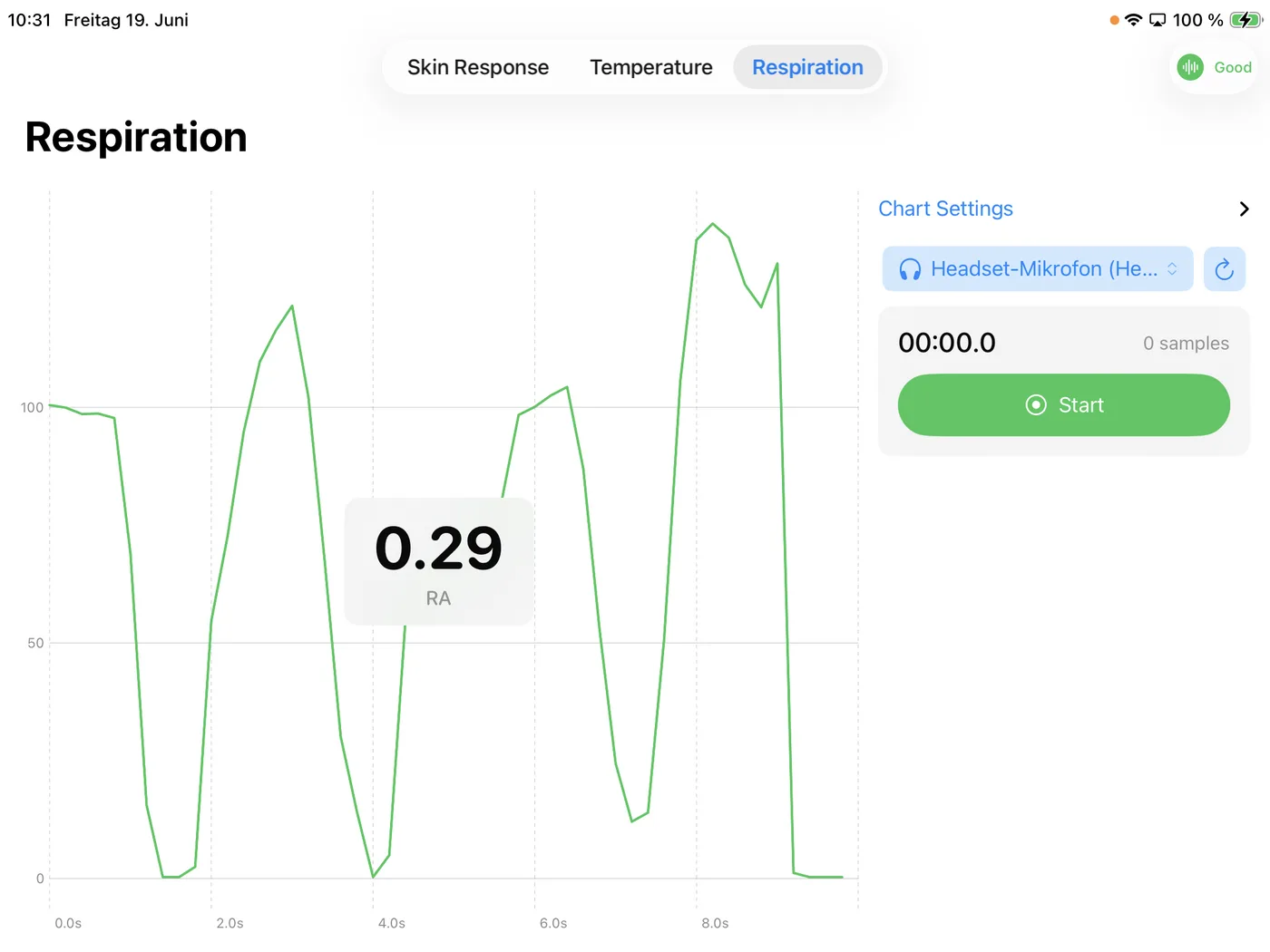
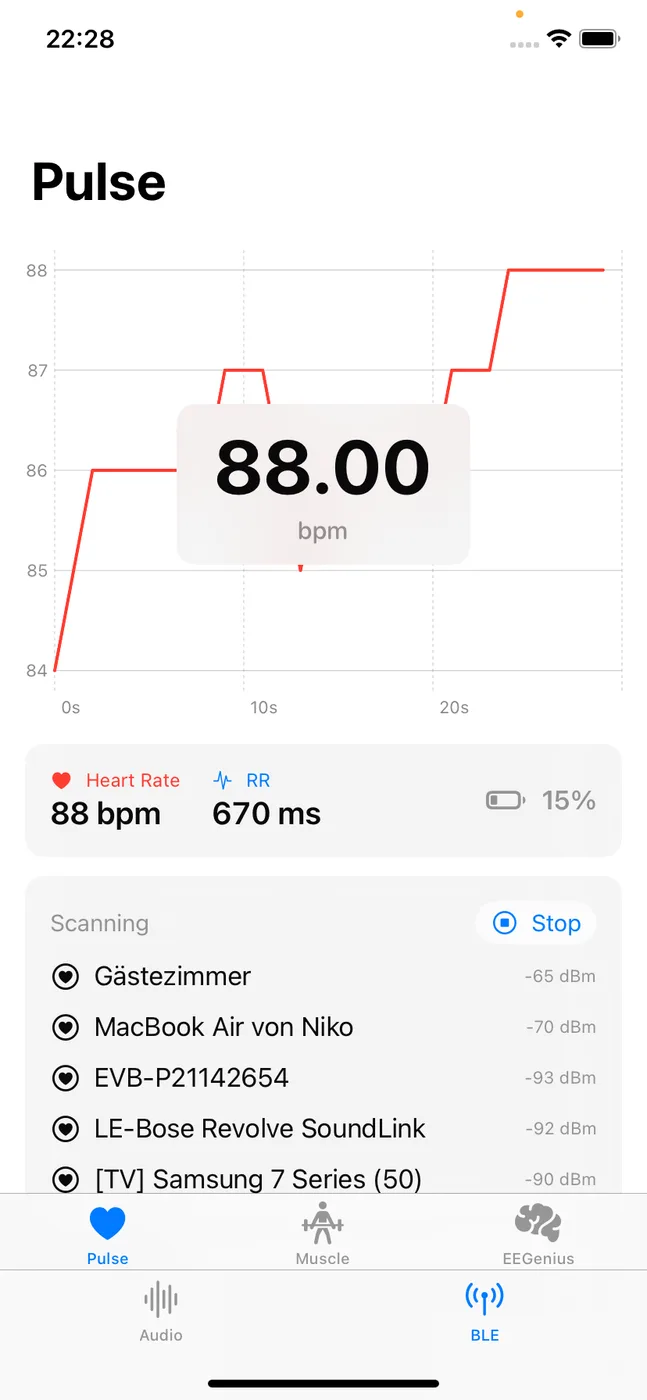
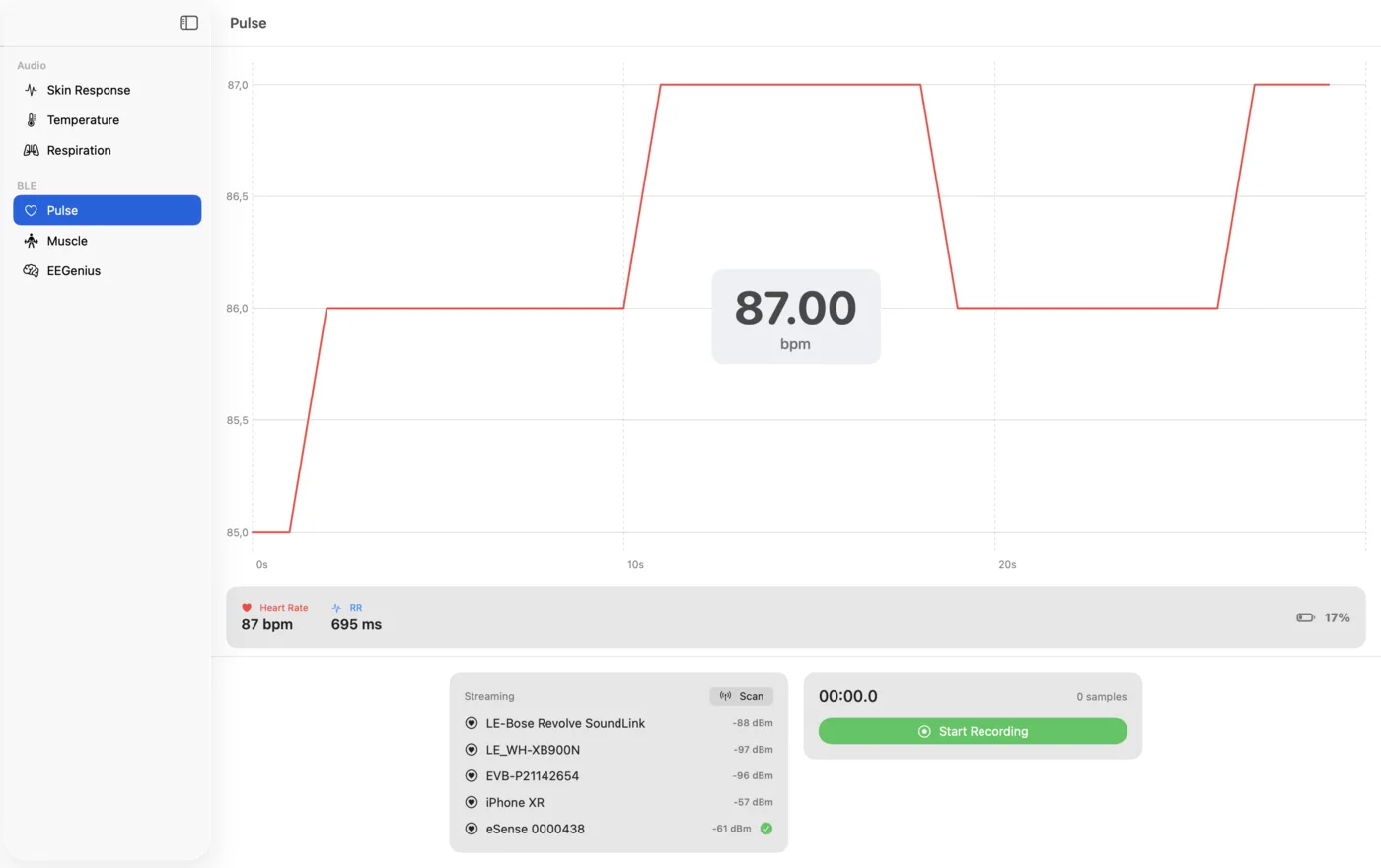
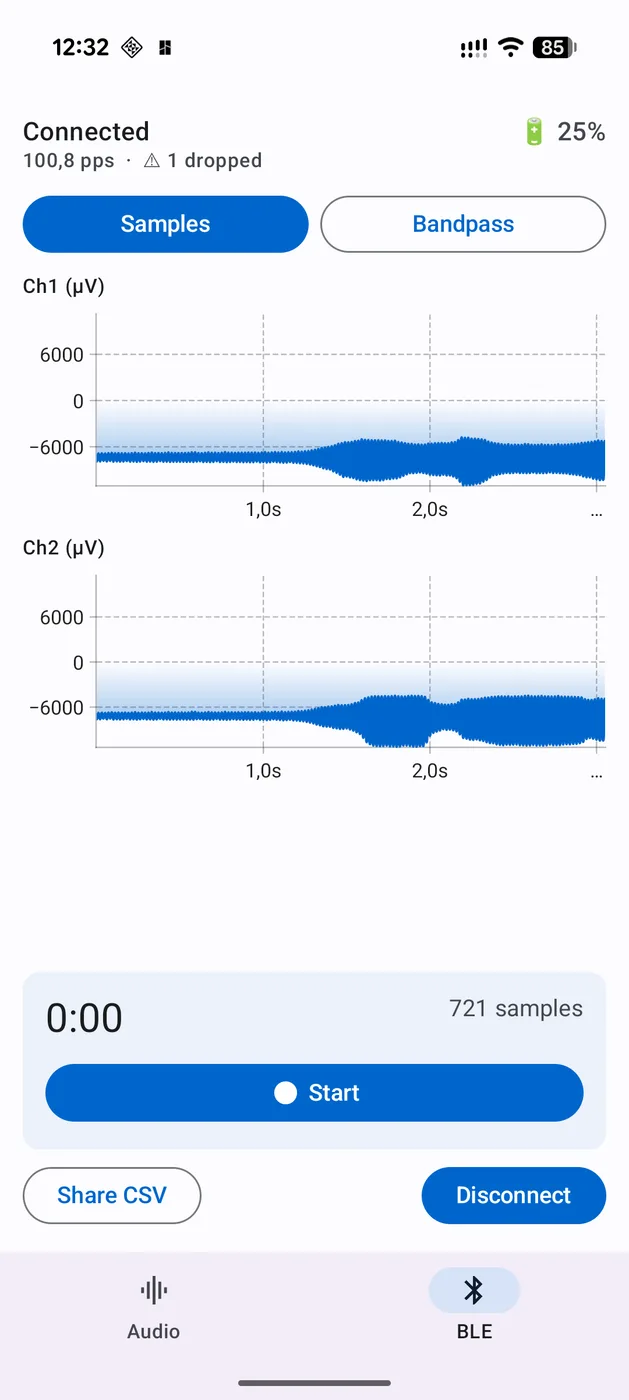
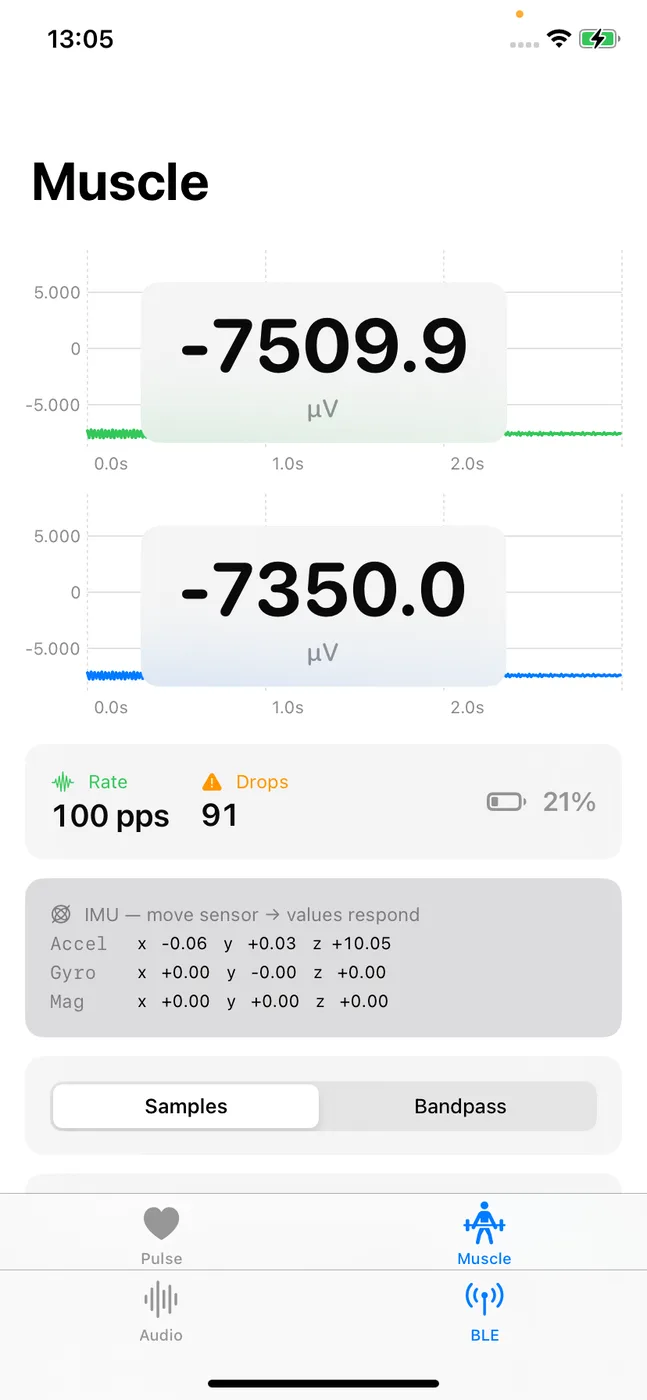
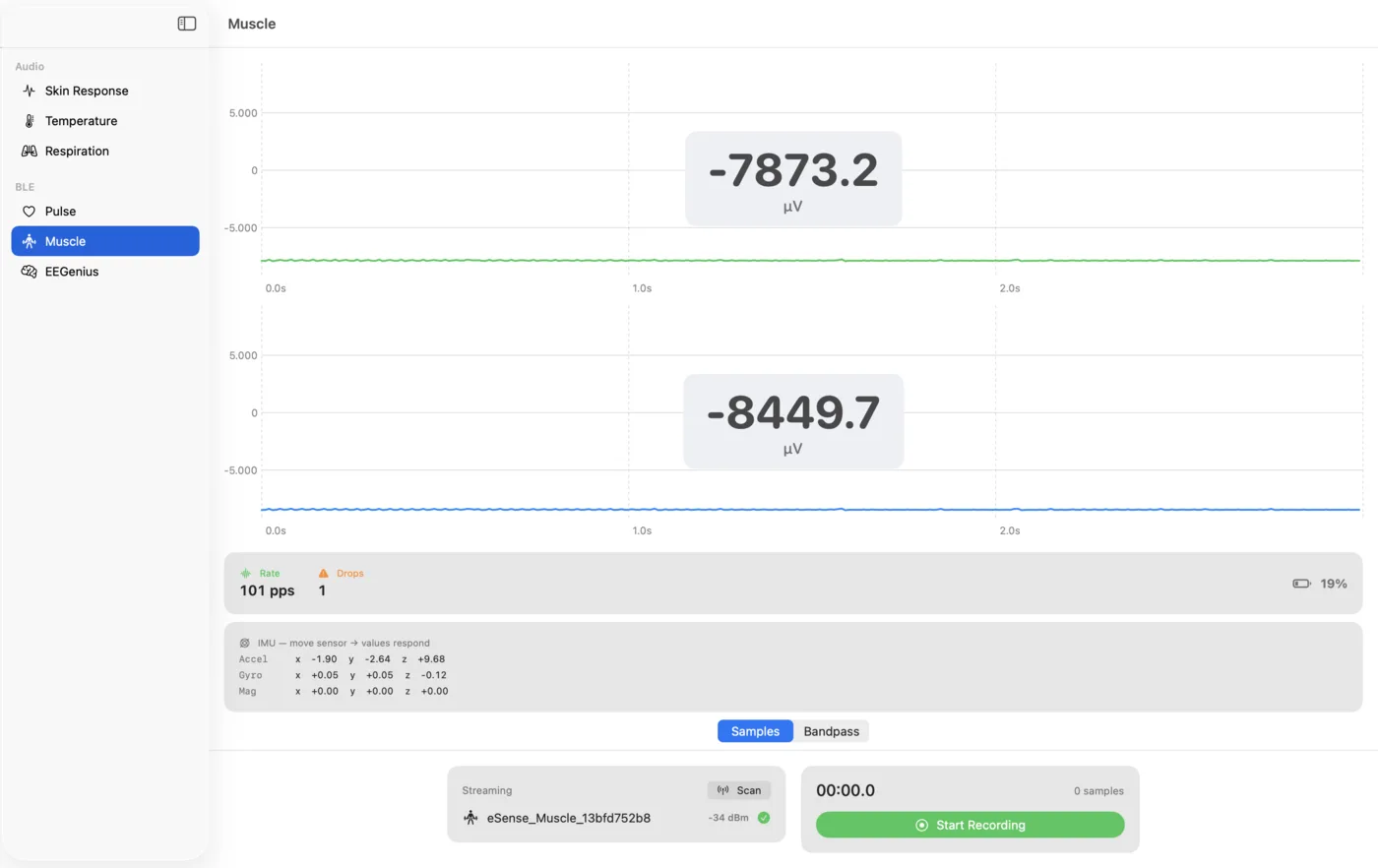
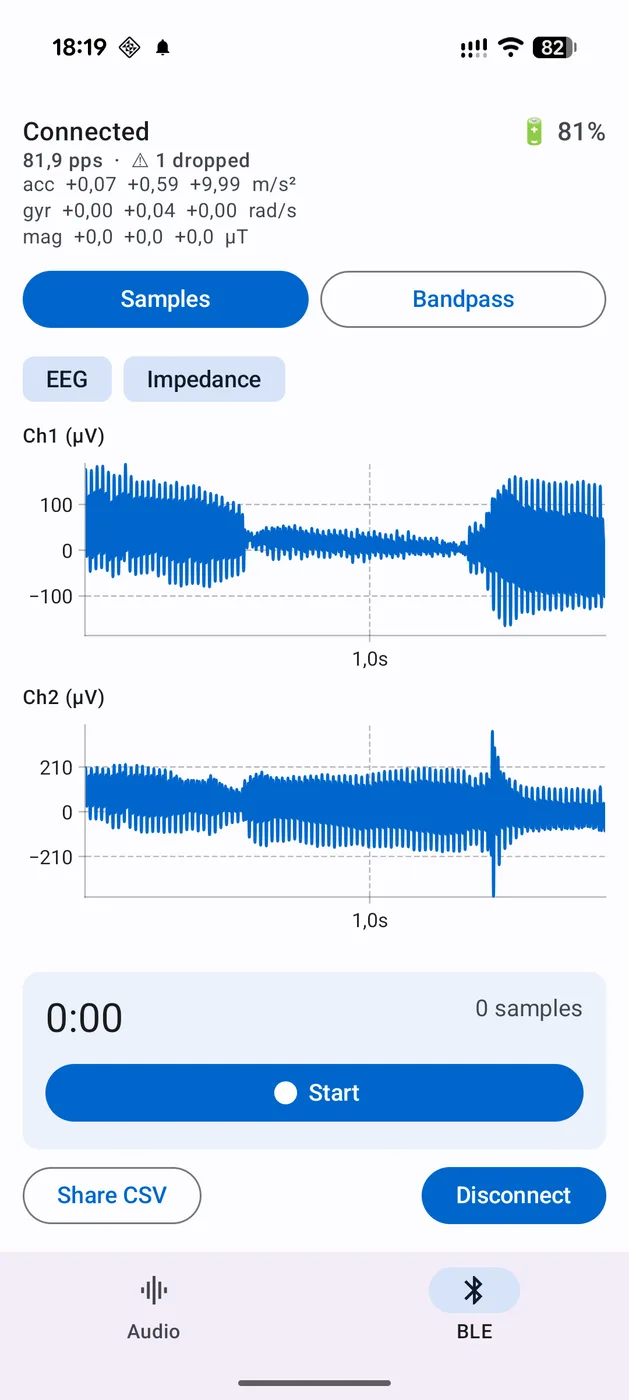
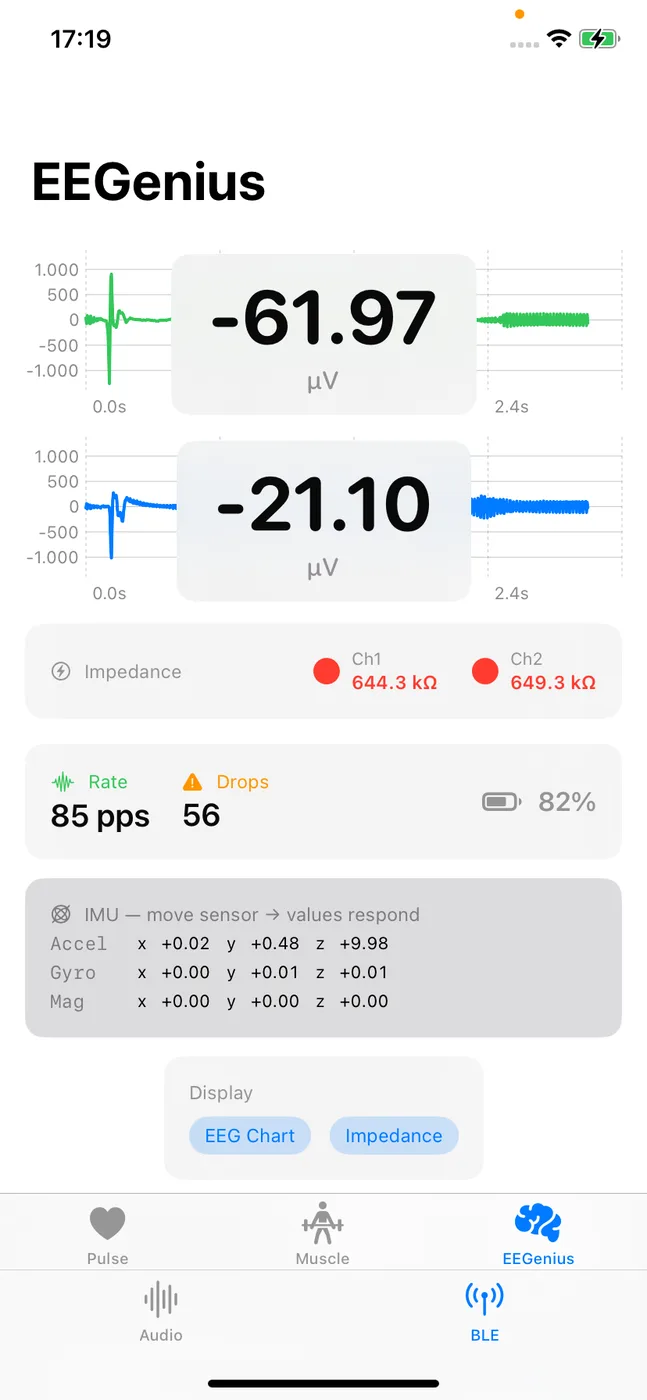
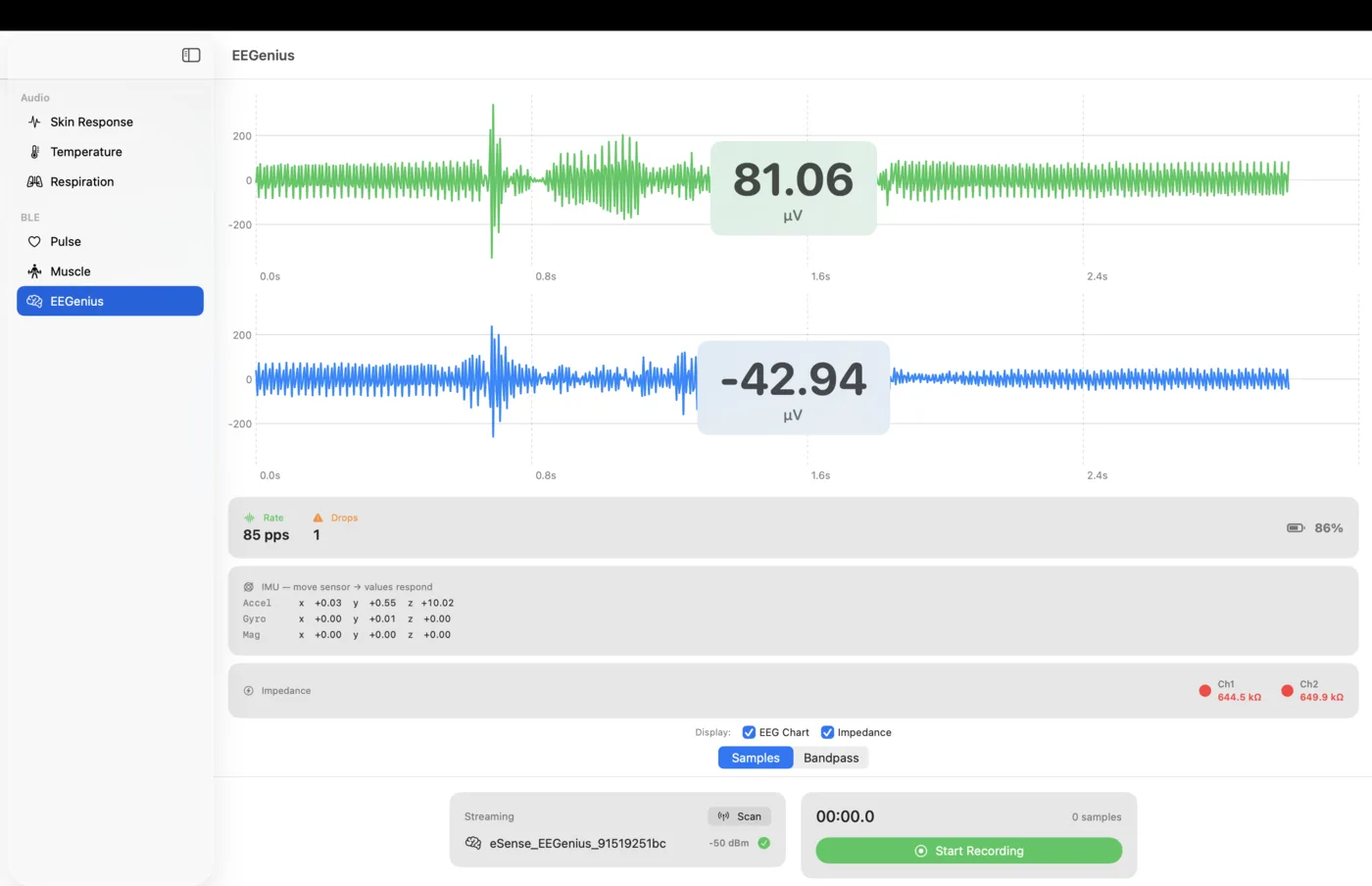
All six sensors run natively on iOS, Android and macOS: the audio sensors via the audio streaming model (captures below), the Bluetooth sensors Pulse, Muscle and EEGenius via the native ESenseBleManager — identical streaming model, platform-specific demo apps.
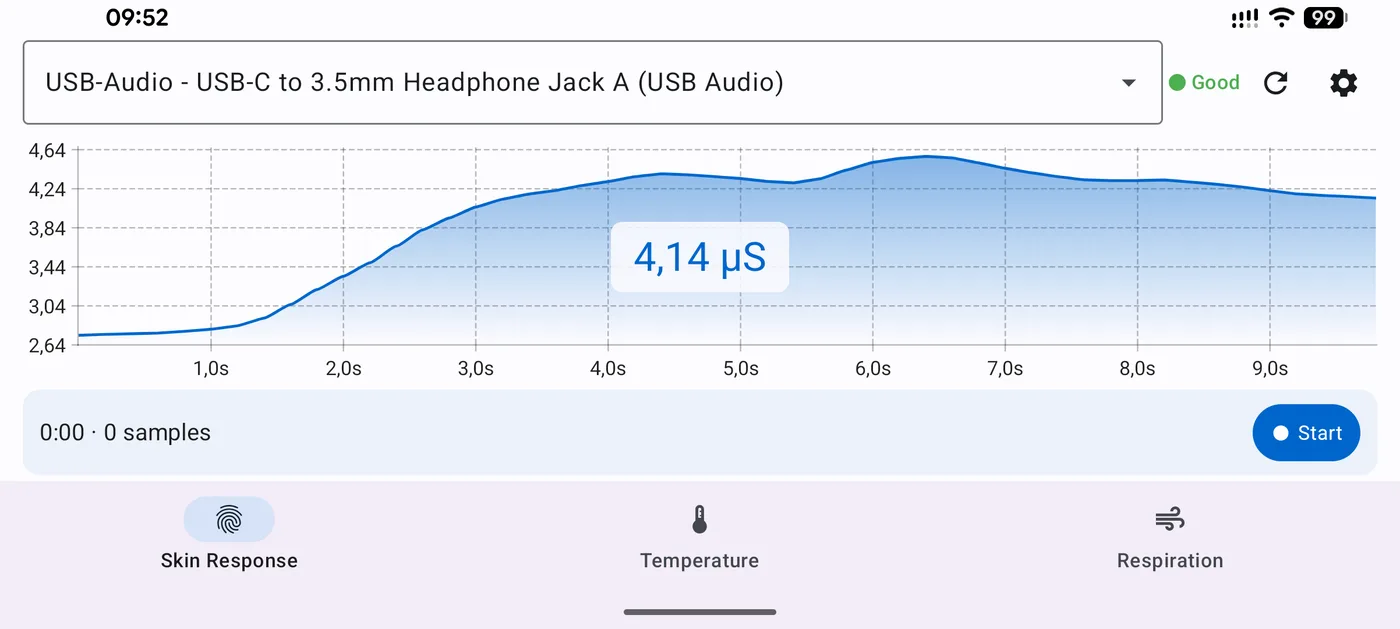
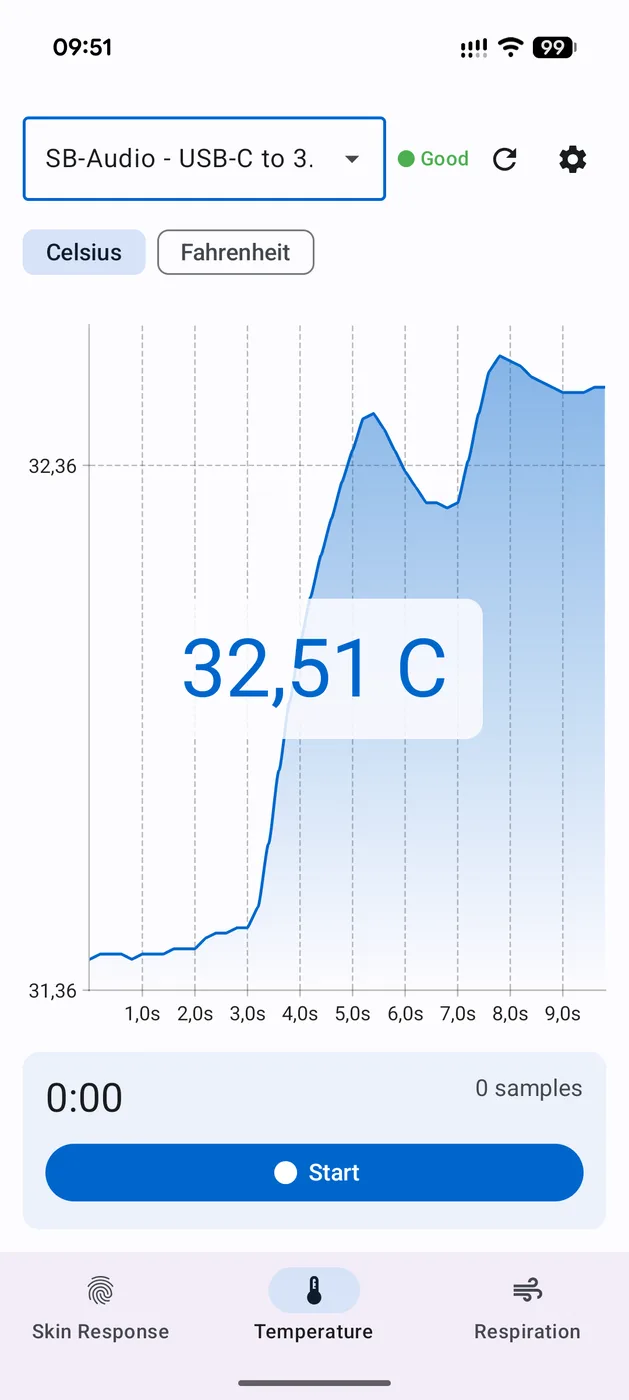
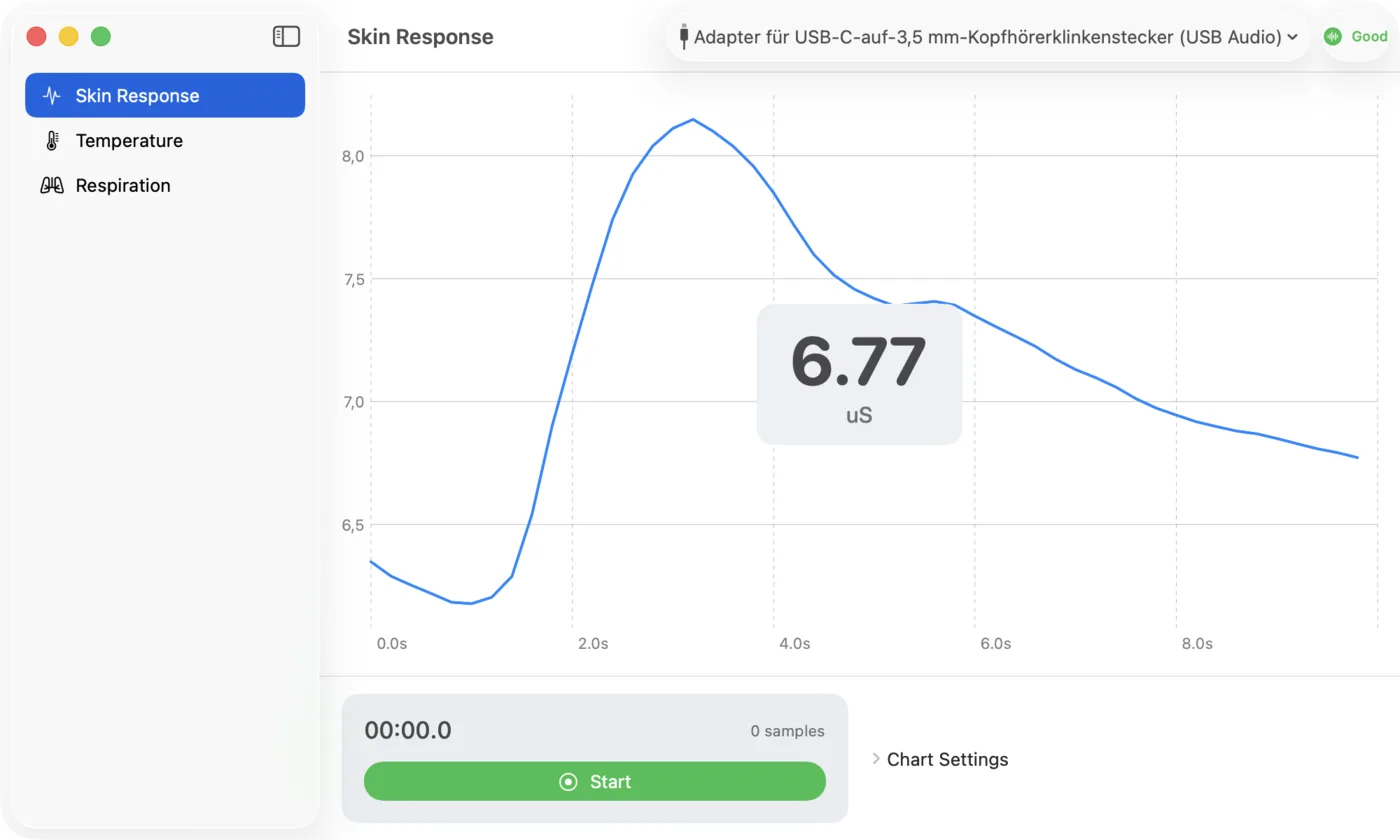
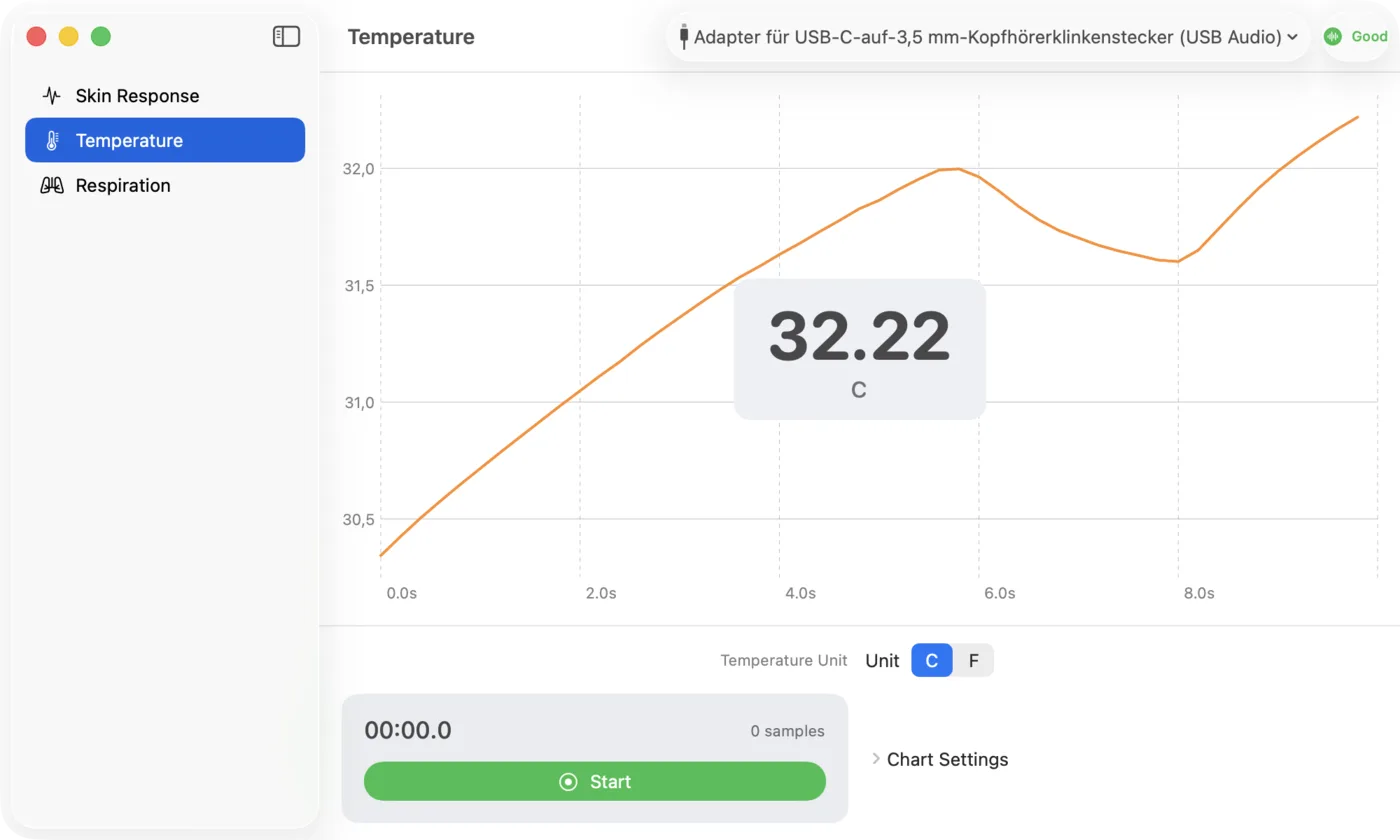
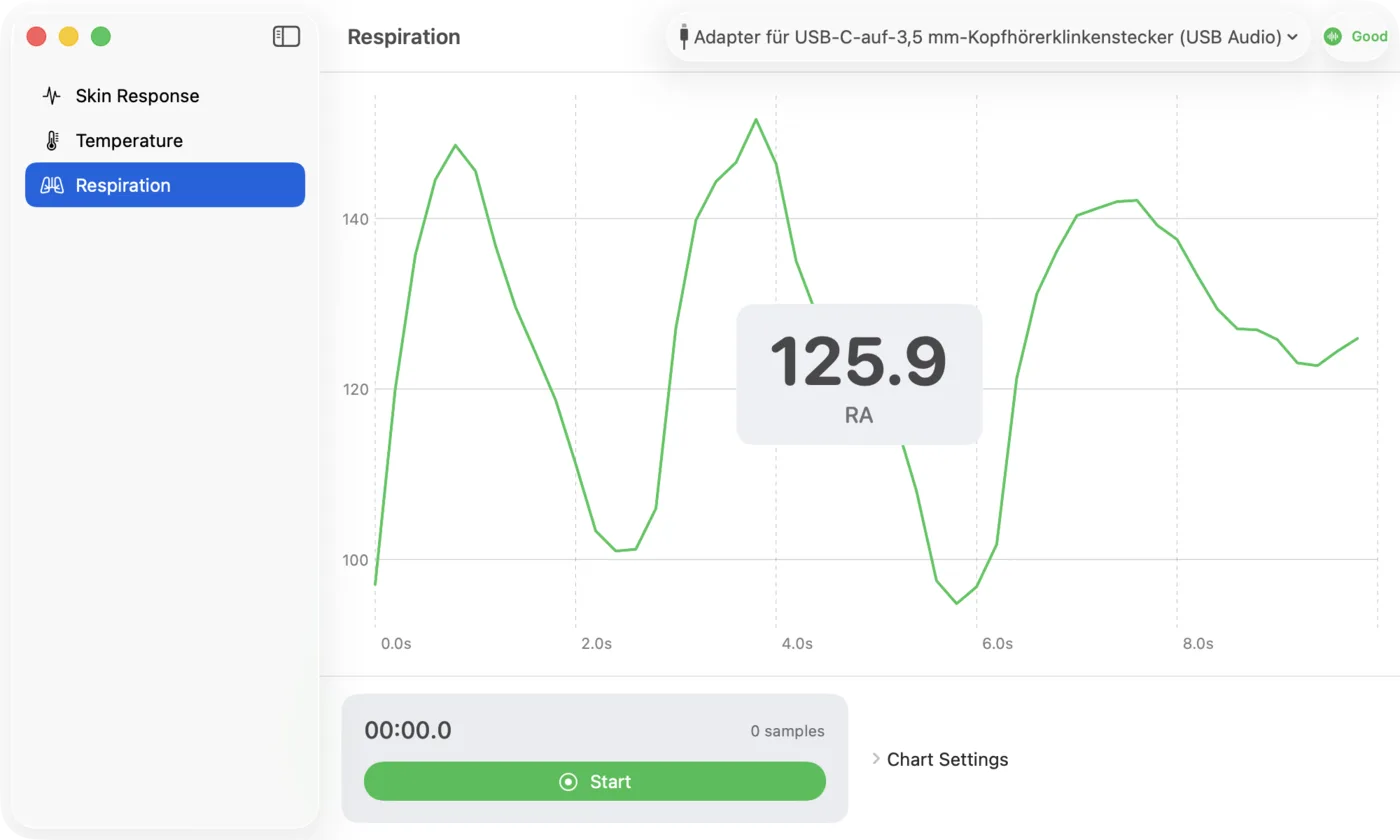
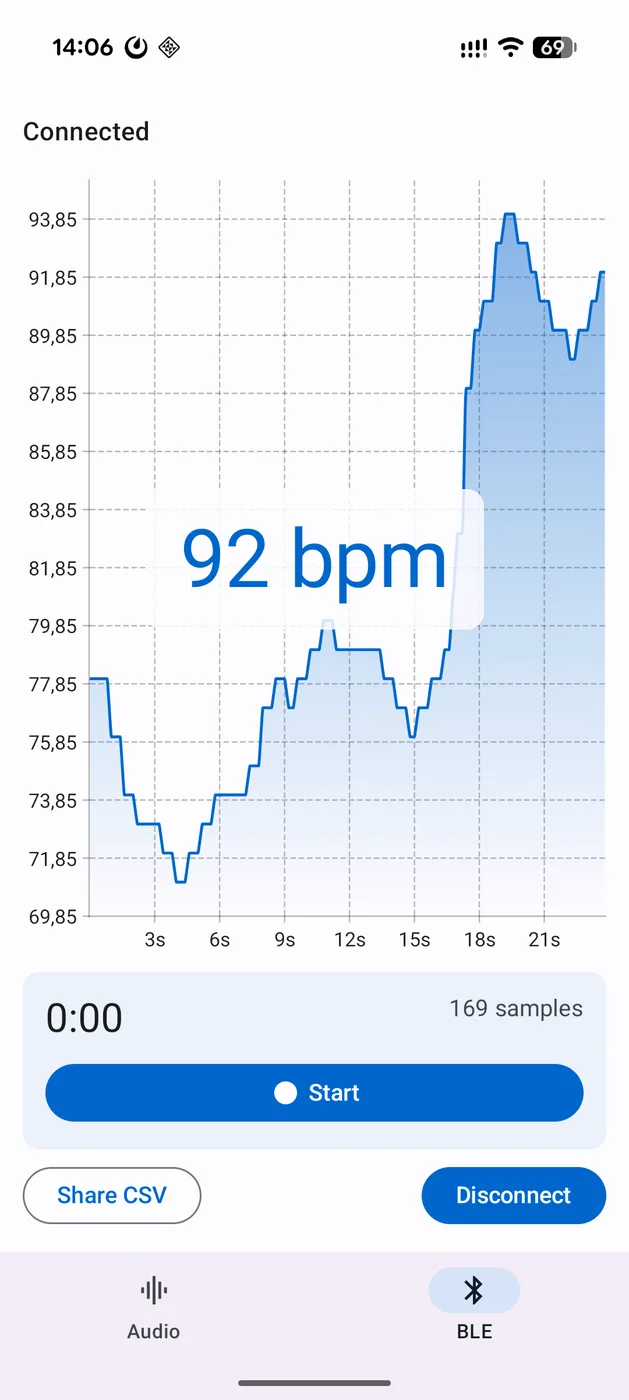
Bluetooth sensors natively on mobile and macOS
New in Suite v5.0: Pulse, Muscle and EEGenius run via the ESenseBleManager directly in the native demo apps for iOS, Android and macOS — live streaming in microvolts (EMG/EEG) and beats per minute (Pulse). The EMG and EEG traces show the raw signal with open electrodes, not a subject measurement.
Sensor coverage per platform
every platform, all sensorsHow you reach each sensor on each platform — natively via the platform SDK on Windows, Android, iOS and macOS, via standard Bluetooth, or via the Unity C# plugin (VR & engines).
| Platform | Skin conductance | Temperature | Respiration | Pulse | Muscle | EEGenius |
|---|---|---|---|---|---|---|
| MobileiOS & Android | Mobile SDK | Mobile SDK | Mobile SDK | Mobile SDK | Mobile SDK | Mobile SDK |
| VRQuest & Pico | Unreal | Unreal | Unreal | Standard BT | Unity plugin | Unity plugin |
| Windows.NET 10 | Windows SDK | Windows SDK | Windows SDK | Windows SDK | Windows SDK | Windows SDK |
| macOSSwift | macOS SDK | macOS SDK | macOS SDK | macOS SDK | macOS SDK | macOS SDK |
On the native platforms — Windows, Android, iOS and macOS — all six sensors are reachable directly via the respective SDK; the Bluetooth sensors Pulse, Muscle and EEGenius run natively there via the ESenseBleManager since Suite v5.0. For VR and the game engines you integrate Muscle and EEGenius via the Unity C# plugin, and Pulse via the standard Bluetooth heart-rate service. Flutter, Capacitor and Unity Audio additionally cover the audio sensors on iOS and Android.
Biofeedback in VR
standalone Android headsetsPhysiological signals in immersive applications
Modern VR headsets are standalone Android devices — so the eSense plugins run directly on the headset. Connect audio sensors via the Unreal plugin (Android target), and the Bluetooth sensors Muscle and EEGenius via the Unity C# plugin. This lets you embed physiological signals into immersive applications in real time.
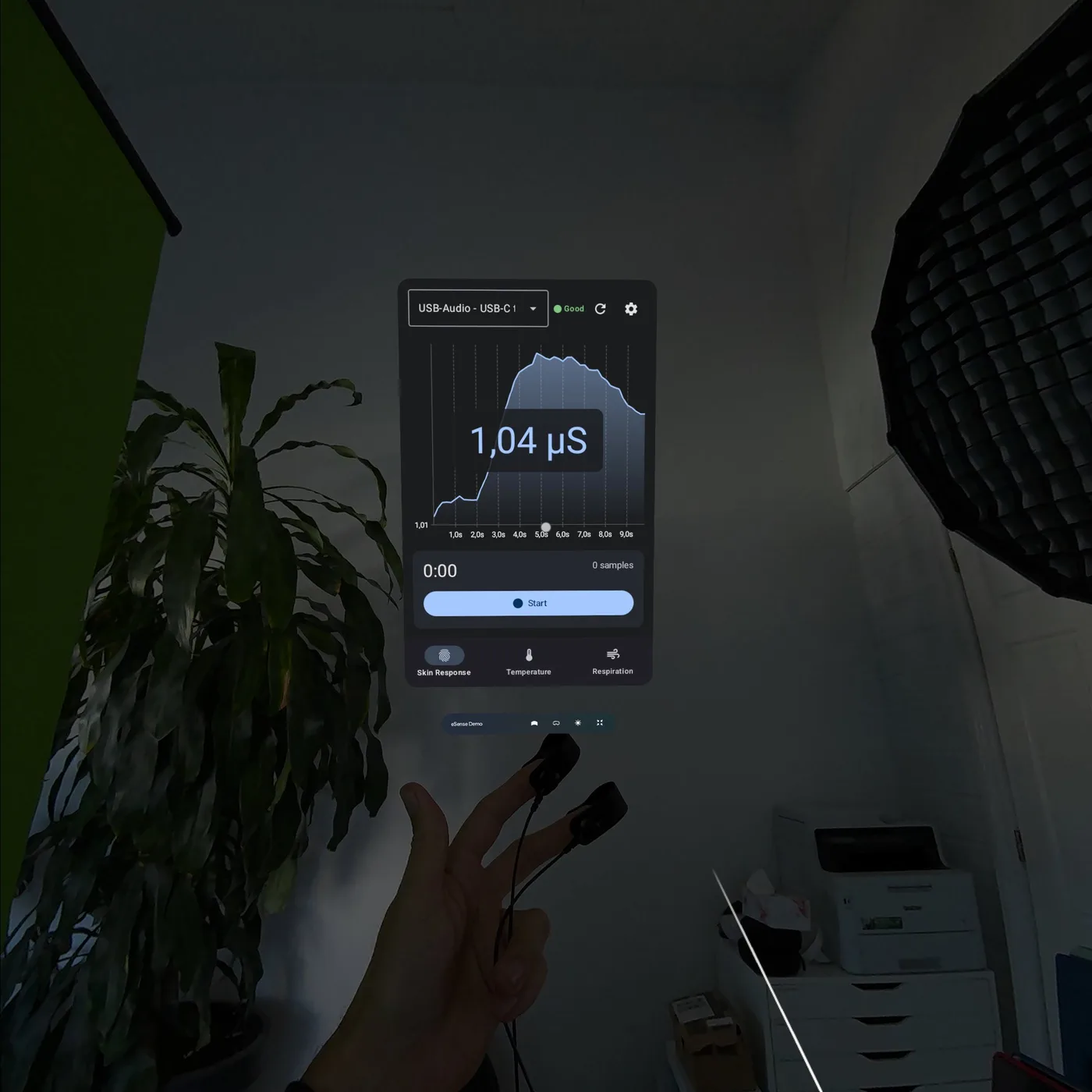
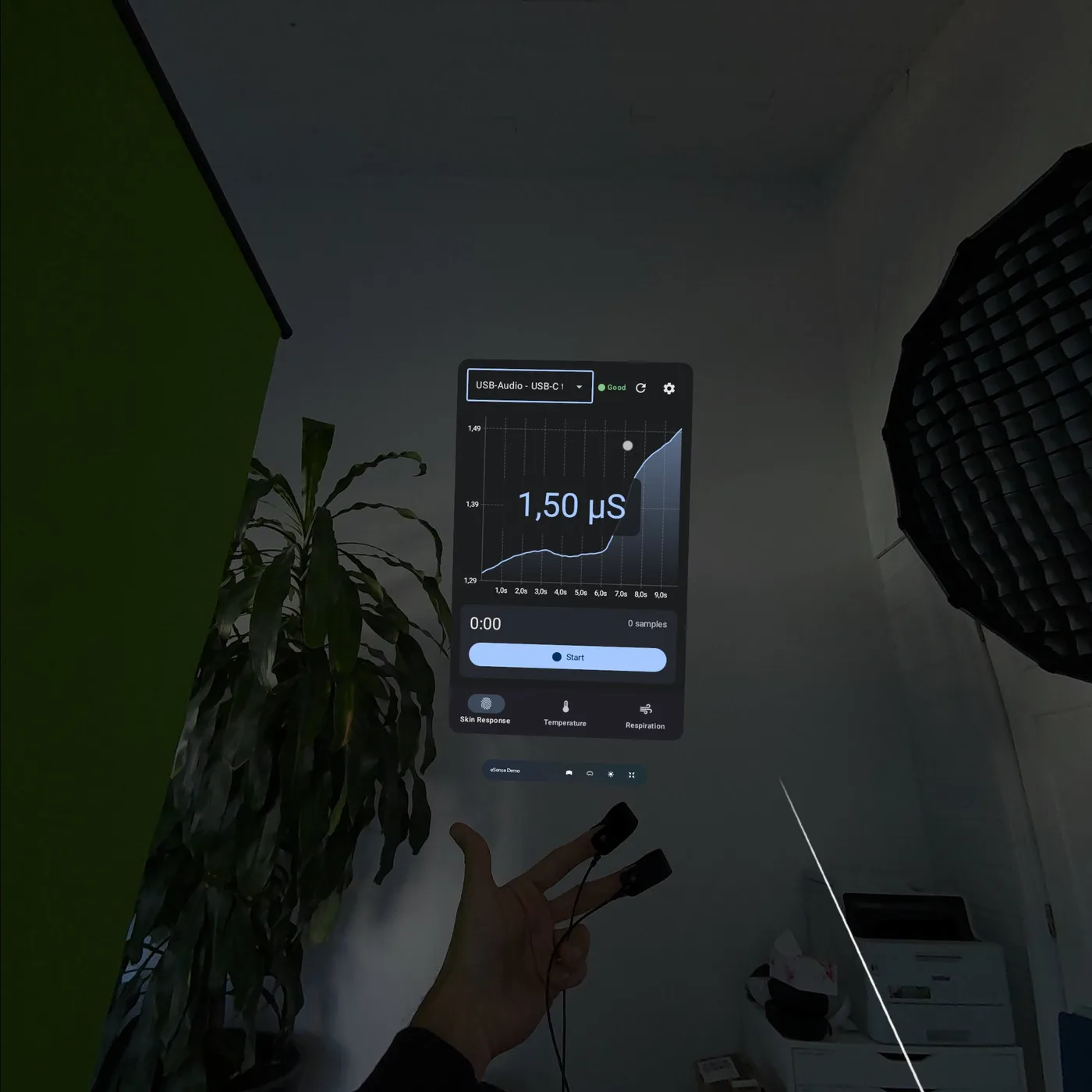
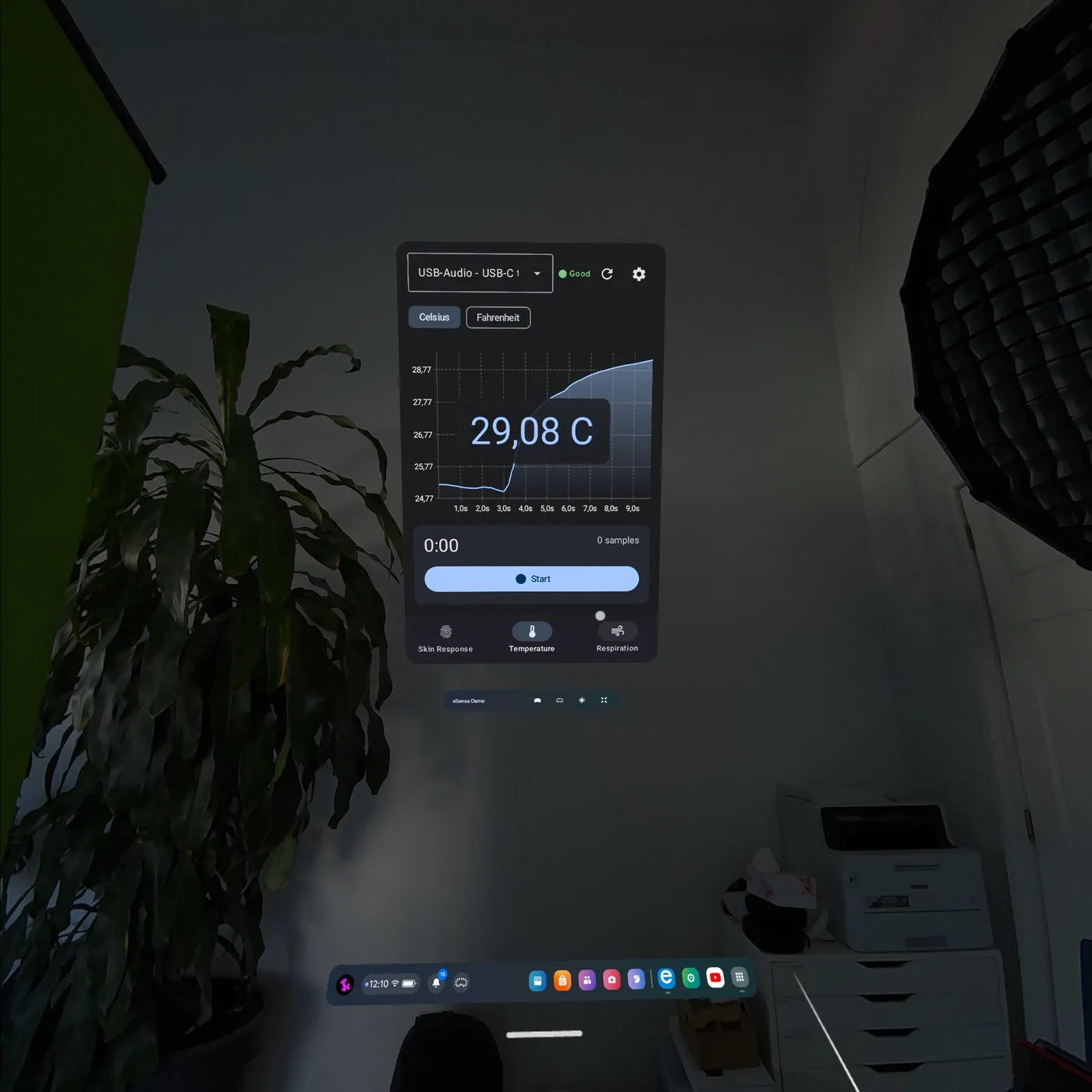
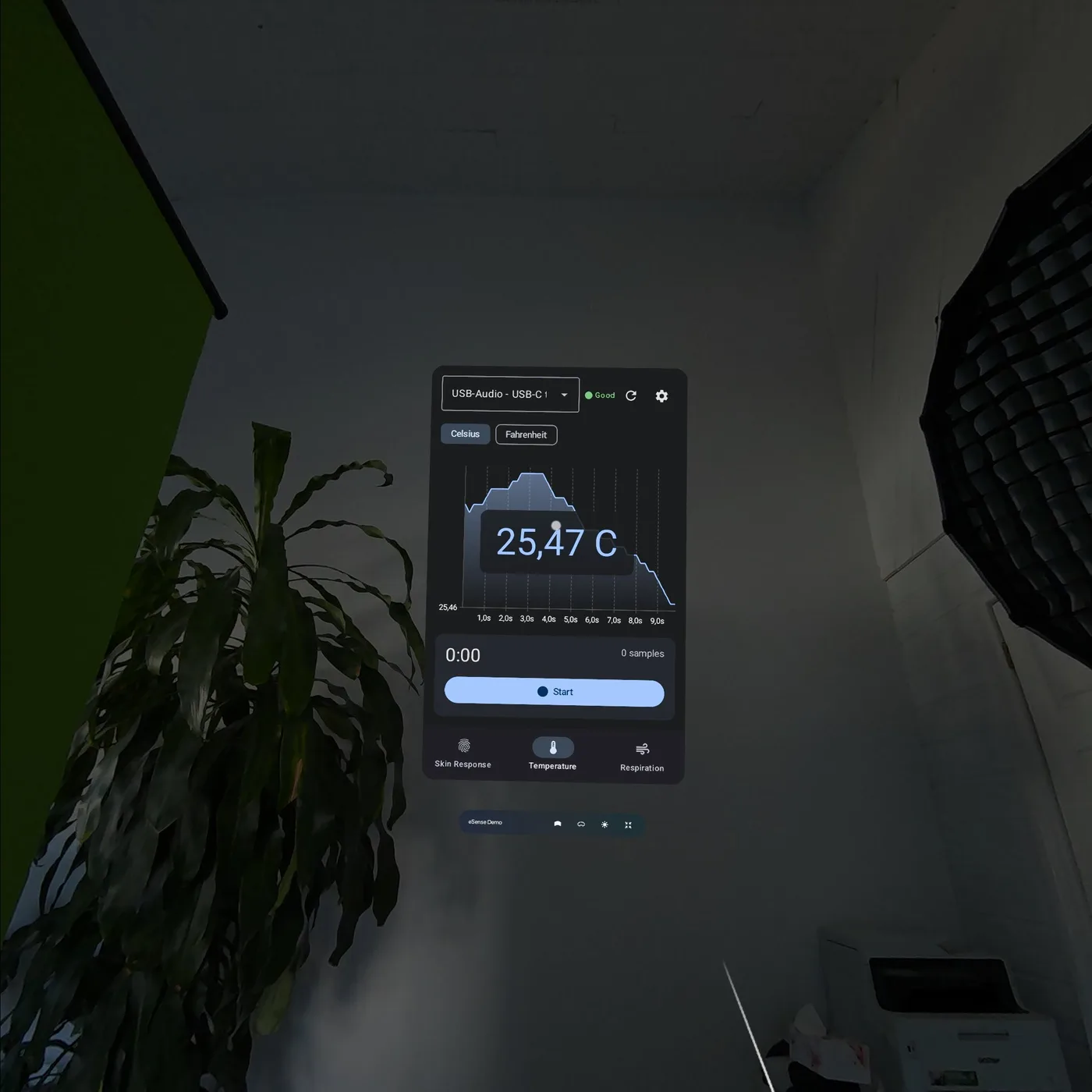
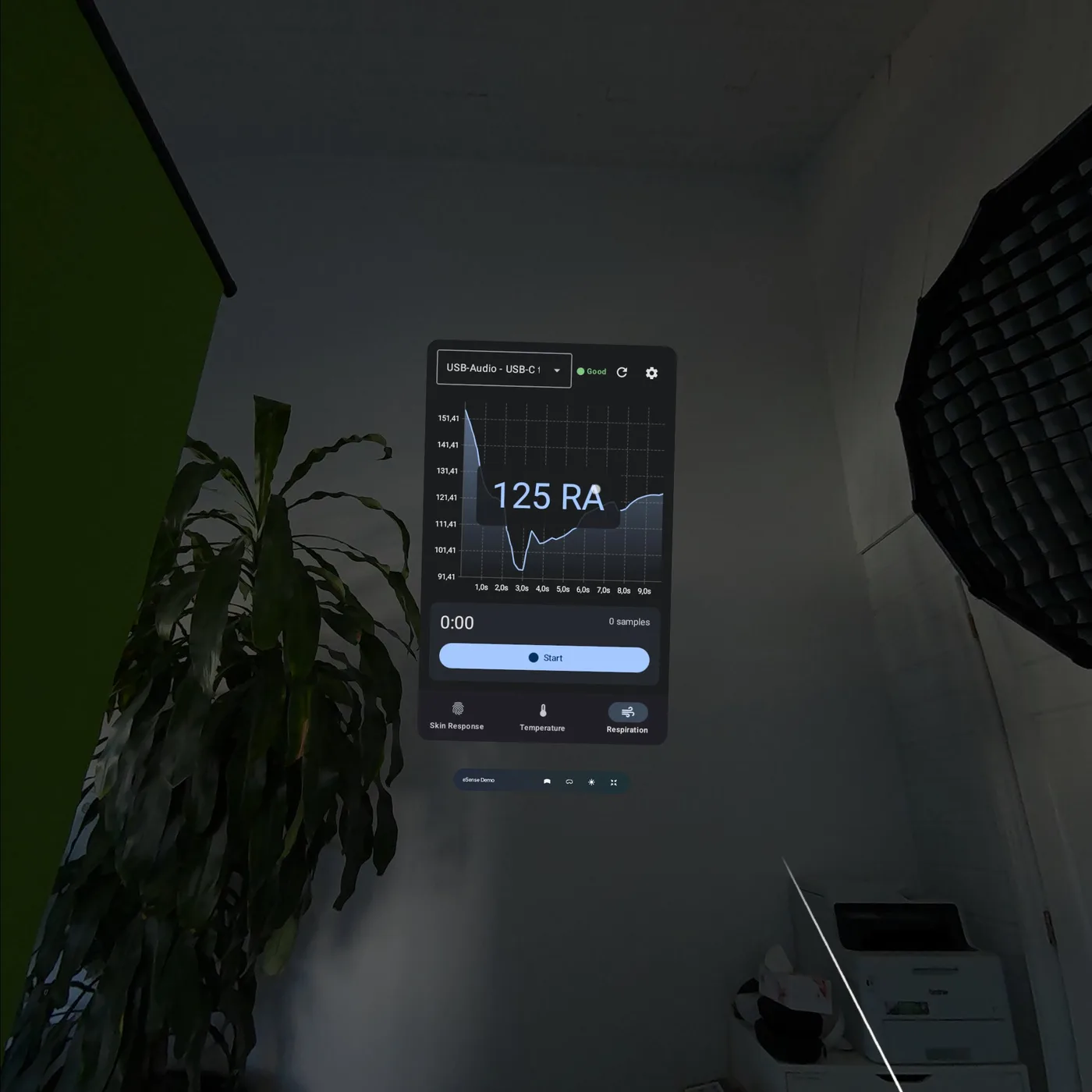
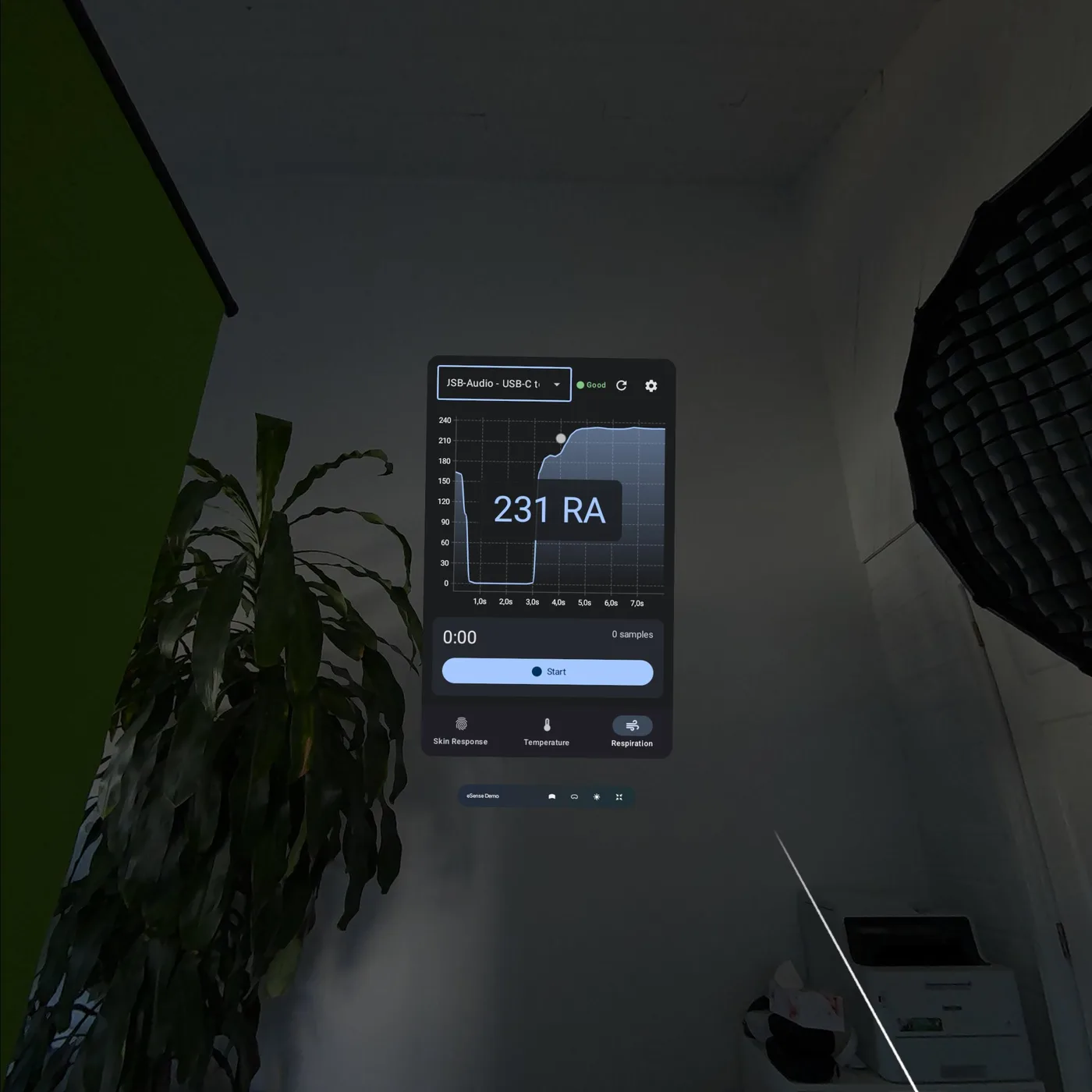
Recordings from the Meta Quest 3
Real mixed-reality captures: the eSense demo panel floats in the room, the audio sensors are connected via a USB-C audio adapter, the signals run live.
Wireless Bluetooth variant of the audio sensors
We are developing a Bluetooth version of the previously audio-based eSense sensors — removing the audio adapter and making the sensors even easier to integrate into mobile and VR applications. Planned availability: first quarter of 2027.
All SDKs & plugins
Suite v5.0Windows
v3.0Audio + full Bluetooth (all 6 sensors), 6 NuGet packages.
iOS / macOS
v3.2Audio sensors plus BLE (Pulse, Muscle, EEGenius) via the ESenseBleManager. SPM + DocC.
Android
v3.0Audio sensors plus BLE (Pulse, Muscle, EEGenius) via the ESenseBleManager.
Unity BLE
v1.0Muscle (EMG) & EEGenius (EEG) — one plugin for all targets.
Unreal Engine
v1.2Audio sensors, UE 5.4.
Unity Audio
v1.1Audio sensors for Unity.
Flutter
v1.1Audio sensors, cross-platform.
Capacitor
v1.1Audio sensors plus OSC & LSL utilities.
Cordova AudioInput
v2.1.1Audio-capture helper for hybrid apps.
Buy the SDK — in the Mindfield shop
5 products + overviewThe SDKs and the matching hardware set are available directly in the Mindfield shop. If you need sensors and SDK together — for practice or research — the Complete Set Pro including the mobile SDK is the best starting point.
eSense SDK — Mobile & VR
iOS, Android, Flutter, Unity and Unreal — the foundation for mobile and VR applications.
View product → Unity · EMG / EEGeSense Muscle / EEGenius SDK in C# for Unity
Read Muscle (EMG) and EEGenius (EEG) in Unity — e.g. for VR applications.
View product → Windows · .NET 10eSense SDK — Windows
All six sensors natively on Windows — for your own desktop software.
View product → macOS · SwifteSense SDK — macOS
Audio sensors natively on macOS, as a Swift package with DocC documentation.
View product → Hardware + SDK · entryeSense Complete Set Pro incl. mobile SDK
Four sensors plus the mobile SDK in one package — the direct entry into app development.
View product → OverviewAll SDK products in the shop
All eSense SDKs at a glance in the shop category.
To the category →Note: the shop product pages are being continuously updated to the current Suite v5.0 state.
Developer FAQ
Can I develop my own app for the eSense sensors?
Yes. The eSense biofeedback sensors are an open developer platform with SDKs and plugins for iOS, Android, VR (Meta Quest, Pico), Windows, macOS, Unity and Unreal Engine. You can build applications for research, commercial products, VR experiences or personal projects.
Which platforms and frameworks do the eSense SDKs support?
The eSense SDK Suite v5.0 covers mobile (native iOS/Android, Flutter, Capacitor), VR on standalone Android headsets (Meta Quest, Pico), desktop (Windows .NET 10, macOS Swift) and the Unity and Unreal Engine 5.4 game engines. New in v5.0: the Bluetooth sensors Pulse, Muscle and EEGenius now run natively in the Android and iOS/macOS SDK, in addition to Windows.
How do I read EMG (Muscle) and EEG (EEGenius) data?
Muscle (EMG) and EEGenius (EEG) stream over Bluetooth. On the native platforms — Windows, Android, iOS and macOS — you read them directly via the respective SDK (ESenseBleManager); for VR and the game engines the same is available via the Unity C# plugin. Muscle offers three bandpass modes (20–950 / 20–300 / 100–200 Hz). EEGenius provides the raw EEG signal at 250 Hz per channel plus ten firmware-precomputed frequency bands (Delta, Theta, Lo-Alpha, Alpha, Hi-Alpha, Lo-Beta, Beta1, Beta2, Hi-Beta and an artefact band), delivered at about 25 readings per second.
Where do I get the eSense SDK and can I use it commercially?
The eSense SDKs are available as products in the Mindfield shop and may be used for commercial products, OEM integrations and research. For partner or OEM enquiries, contact info@mindfield.de.
Partner, OEM or research?
Would you like to integrate the eSense sensors into a commercial product, an OEM solution or a research project? Talk to us — we will support you with the technical integration.
Email info@mindfield.de